RunToPlan is a running workout tracker for any training plan. Set your race goal, log your daily runs, and compare planned vs. actual miles as you train.

Tired of printing training plans and losing track of what you actually ran?
Download RunToPlan today, run with purpose, and be race-ready.
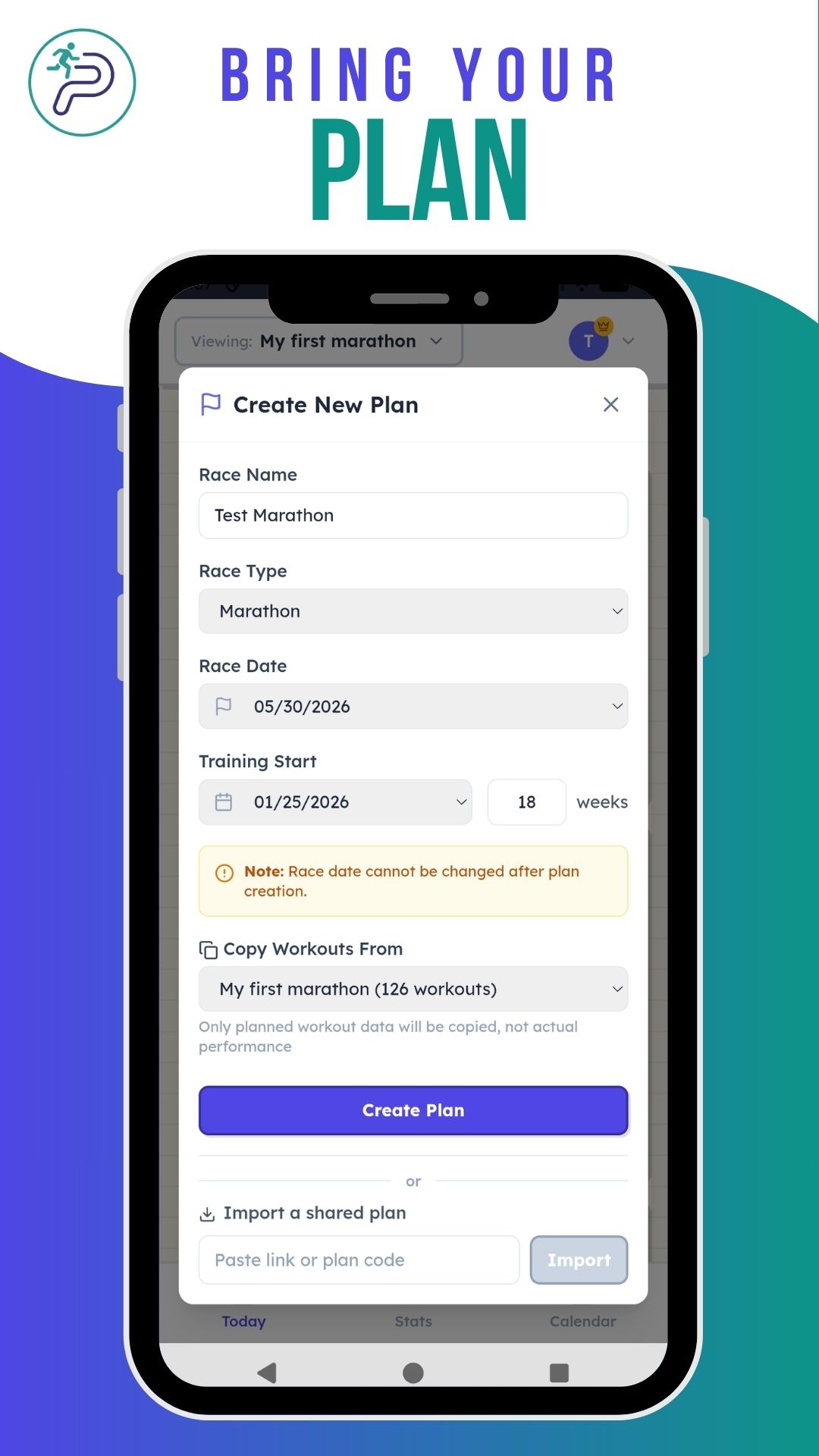
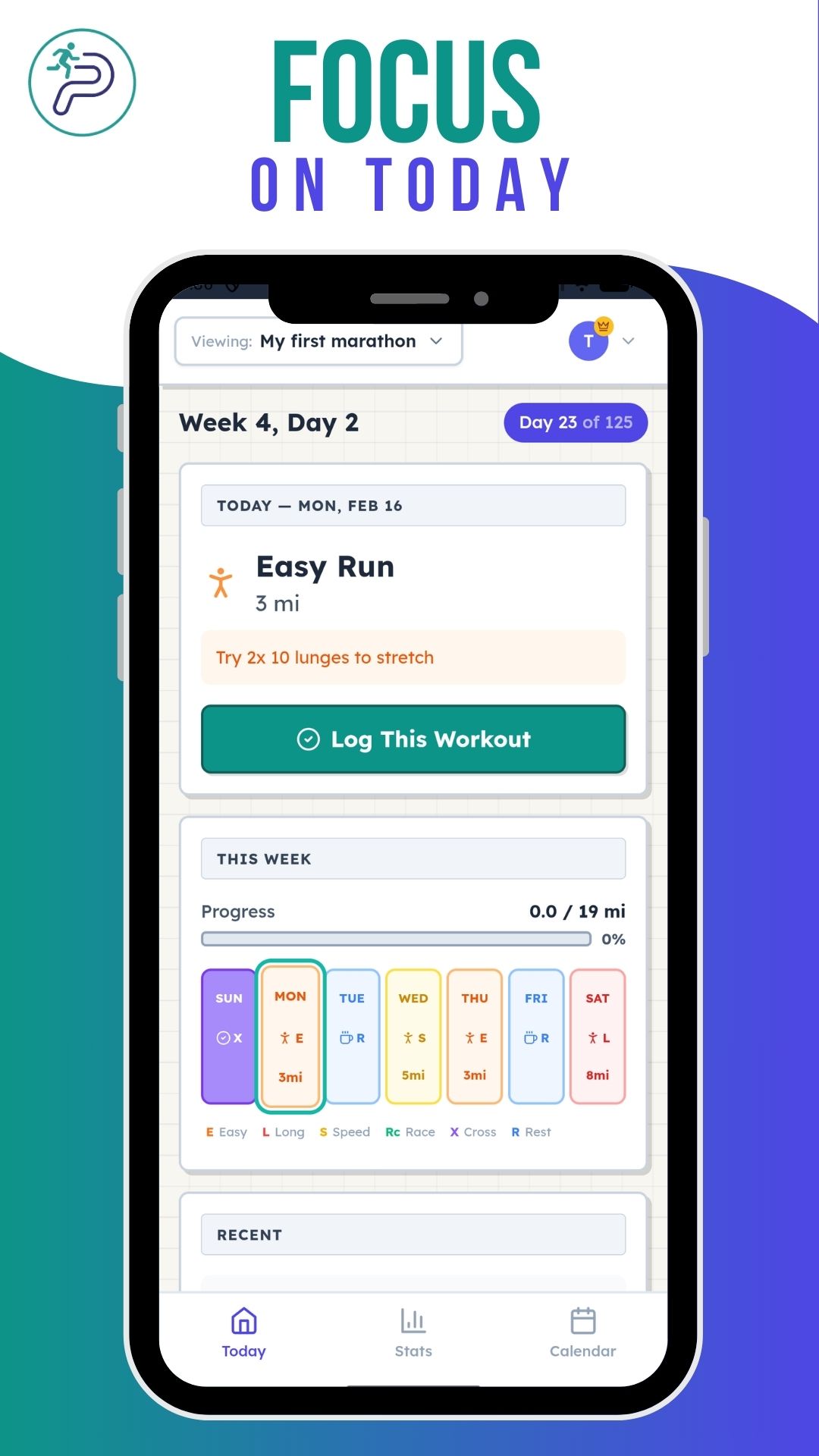
Enter your race name and date to create your training plan.
Bring your plan
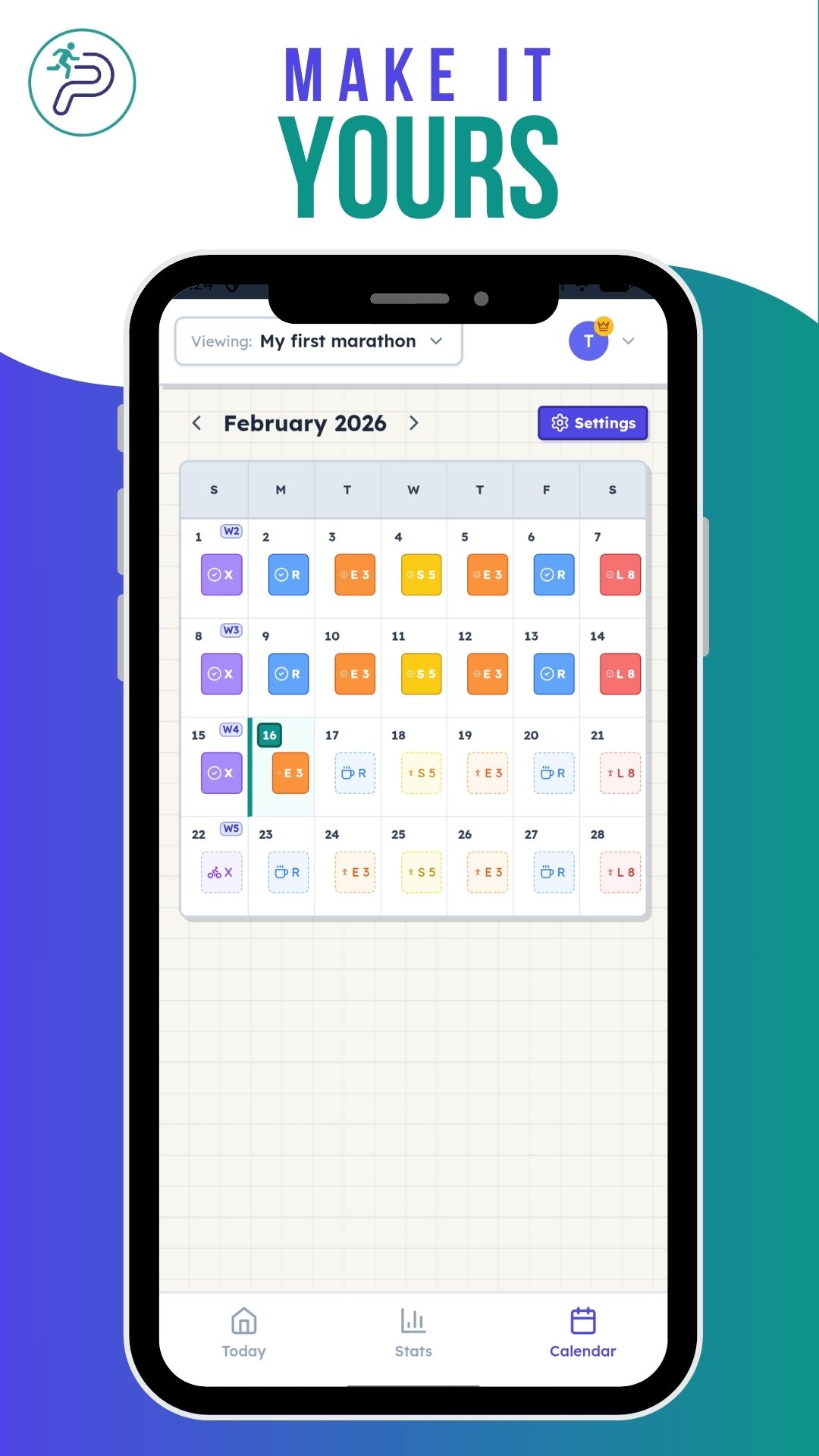
Add workouts to your calendar with planned distances and types.
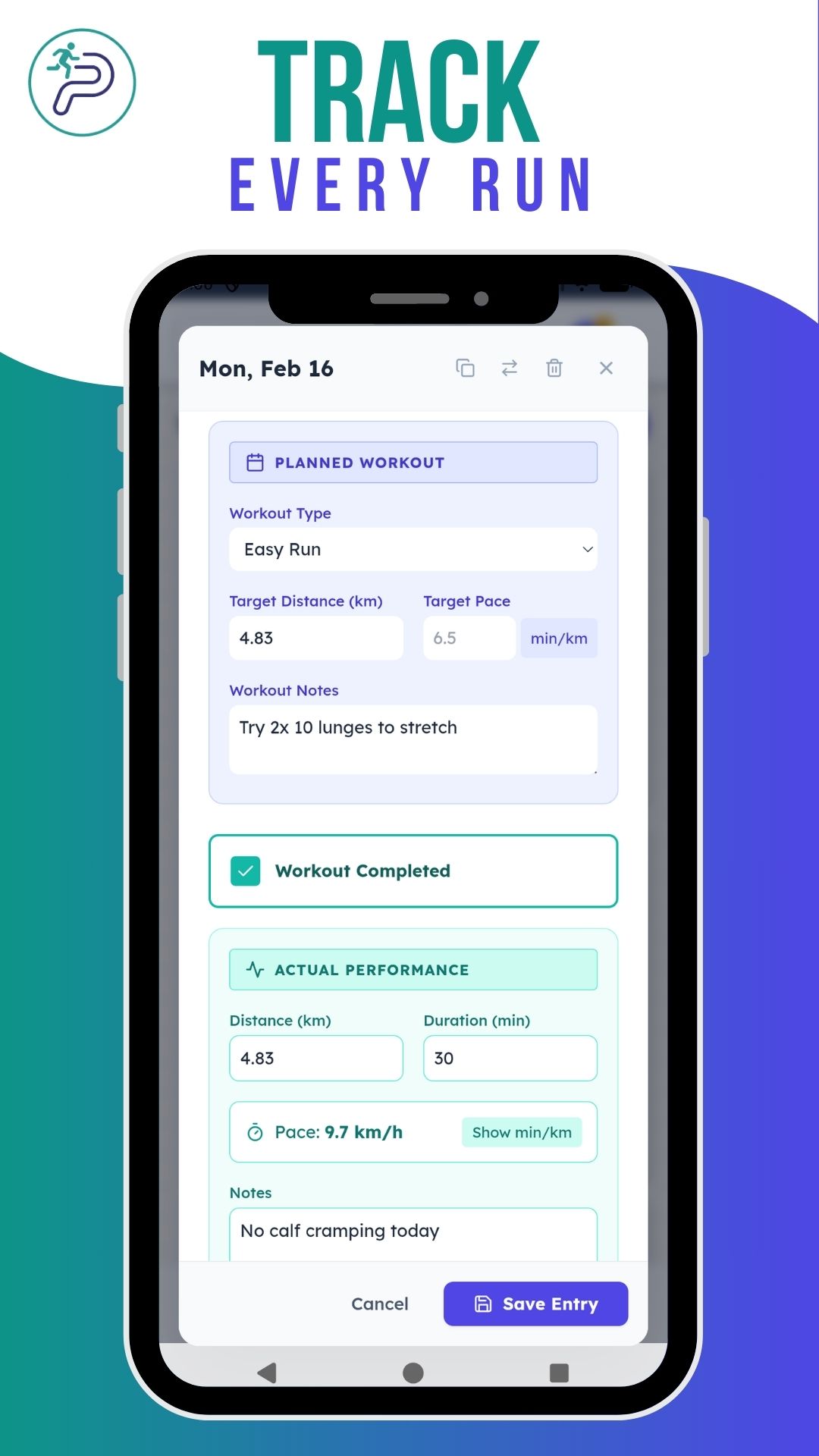
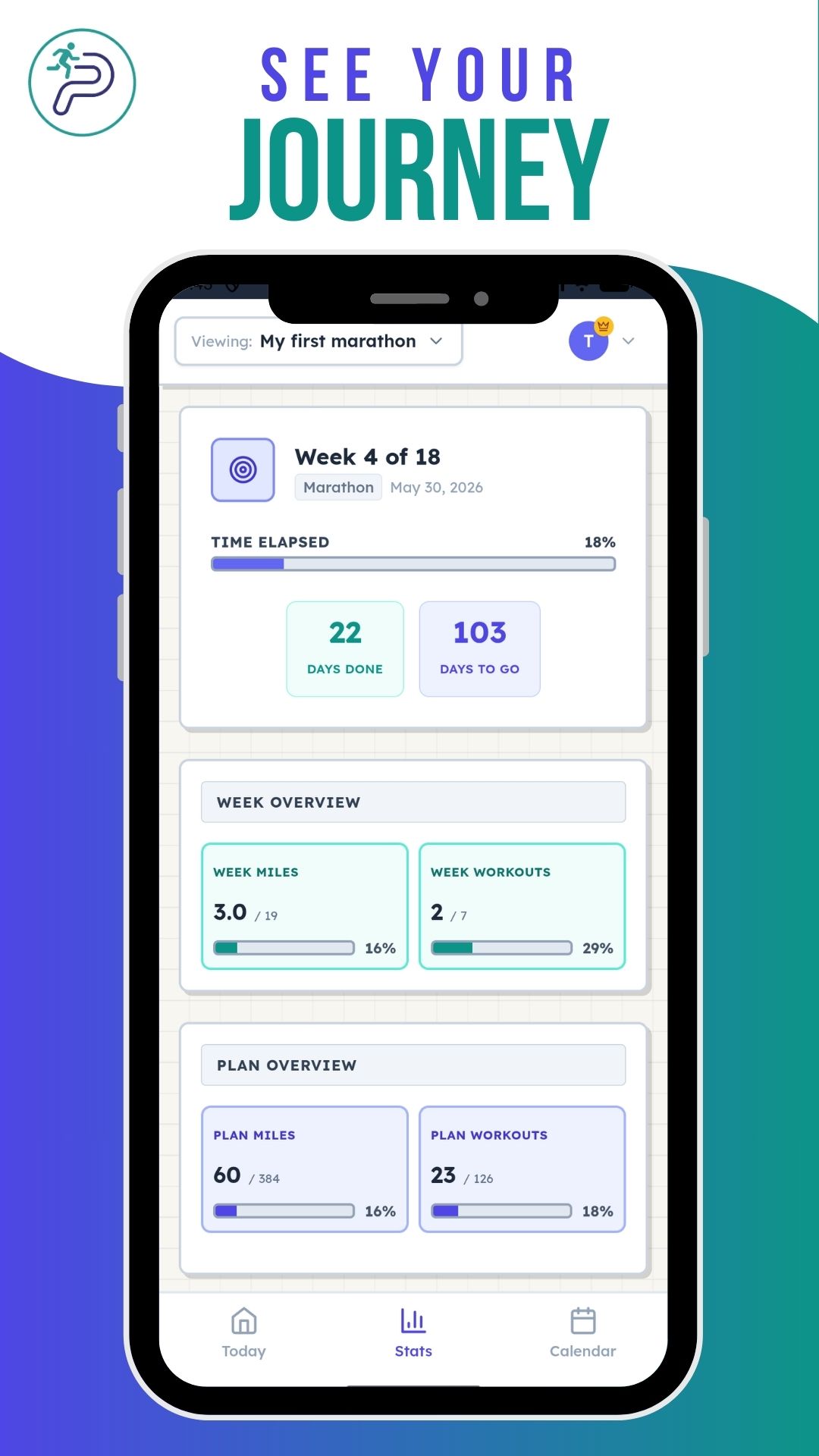
Track every run
After each workout, log what you actually ran to track progress.
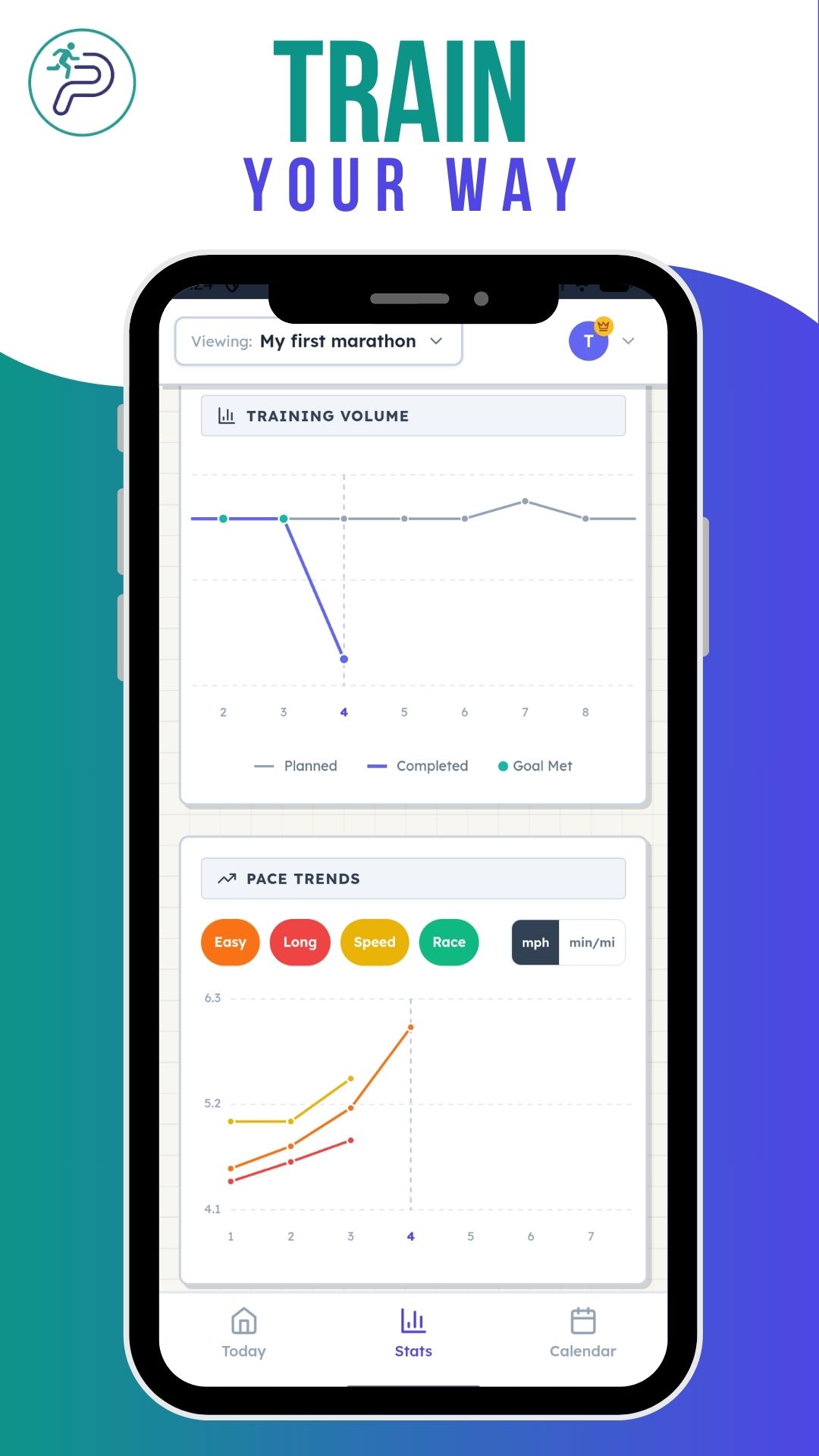
Train your way
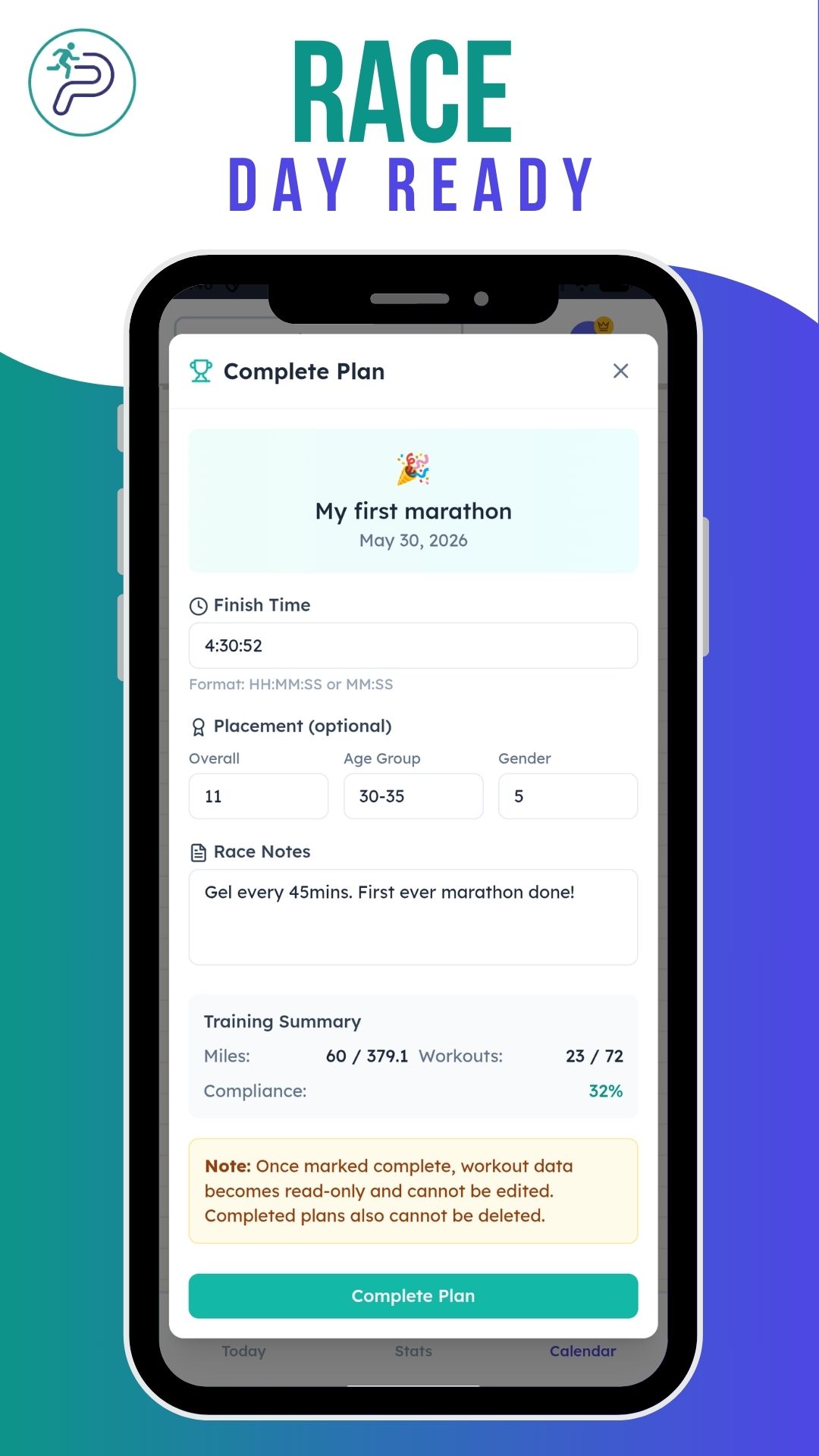
Stay consistent, hit your goals, and arrive at race day prepared.
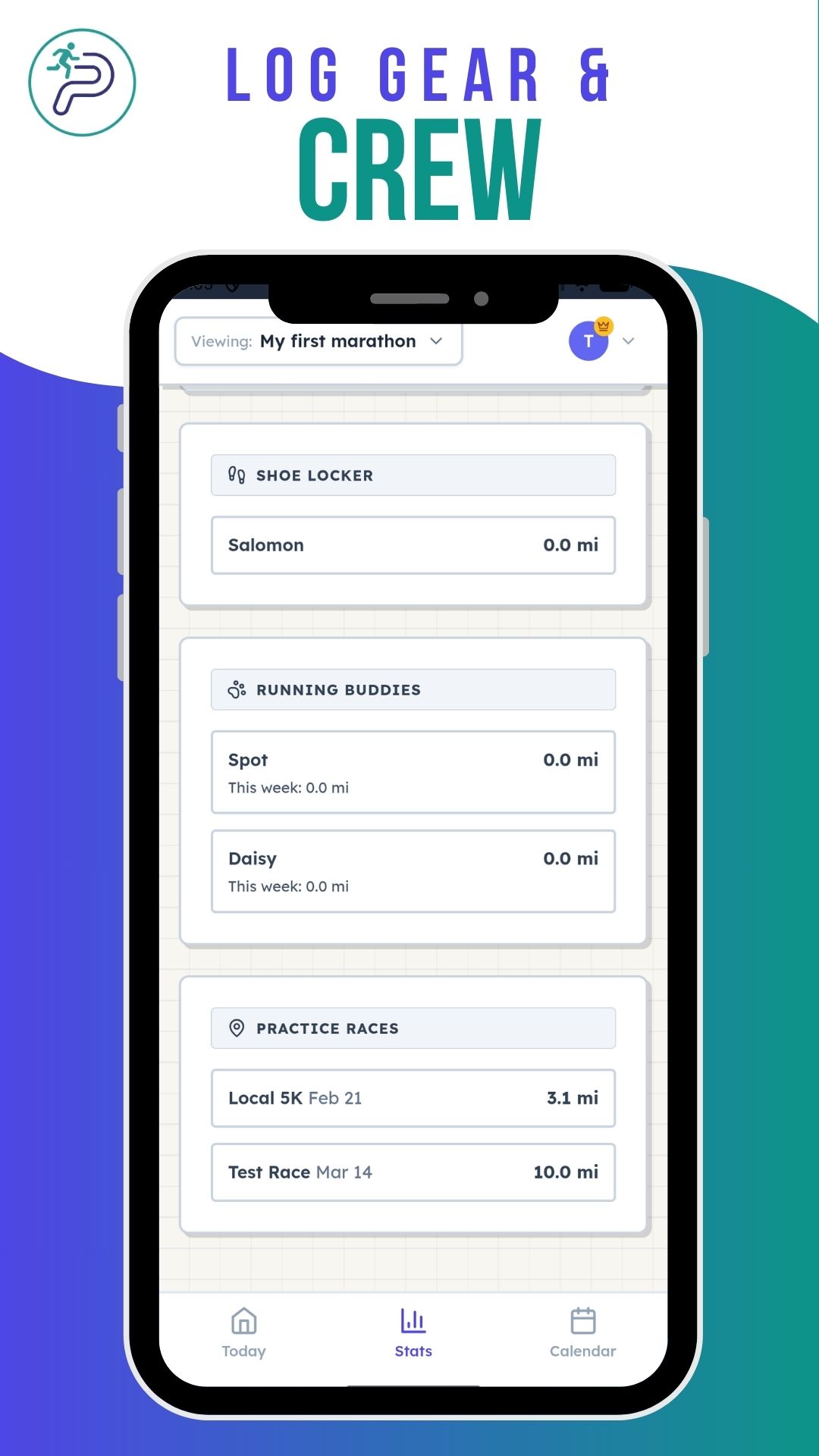
Be race ready
Use RunToPlan wherever you are. Your training data syncs across all your devices.
Yes! You can create and track one training plan completely free, with full access to all features including cloud sync. Upgrade to Pro if you want unlimited plans, multi-race training, and plan sharing.
RunToPlan is built for runners who follow a training plan and want a simple way to see how their actual training stacks up against what's planned. No GPS tracking (other apps have already perfected that), no bloated features, no social feeds — just your plan, your calendar, and your runs.
If you've ever printed a training plan and stuck it on the fridge, RunToPlan is for you. It's a more consistent, portable approach to staying on track — always with you on any device, always up to date.
Track your weekly mileage, monitor your pace trends, and stay focused on completing your plan. Works on web and Android with cloud sync across devices. Whether you're training for your first 5K or your tenth marathon, RunToPlan keeps you on track.
Any plan you want. RunToPlan doesn't lock you into a specific program. Whether you're following a plan from a book, your running club, your coach, or one you built yourself, you can enter it and track your progress.
Yes. You can export any plan to a CSV spreadsheet file from the Share menu. The export includes your planned workouts, and you can optionally include actual performance data and personal notes. CSV files can be opened in Excel, Google Sheets, or any spreadsheet app for backup or further analysis.
Yes. Create a free account with email and password or Google sign-in, and your training data syncs automatically between the web app and the Android app. You can also use RunToPlan without an account, in which case data stays on your device. See our Terms of Use for details.
Yes. We don't sell or share your personal data. Your training information is stored securely in Firebase if you create an account. Read our full Privacy Policy for details.
Yes. You can request partial or complete data deletion at any time. Visit our Delete Your Data page for instructions on how to submit a request.
Have a question, feature request, or found a bug? We'd love to hear from you.